
Kite Agent Passport
Get started with Kite Agent Passport — let your AI agent discover and pay for services on your behalf.
Kite Agent Passport lets your AI agent discover and pay for services on your behalf. You stay in control of what it can spend — the agent handles everything else.
How It Works
- You install Kite Passport into your coding agent (Claude Code, Codex, etc.). You can use Passport anywhere your coding agent exists: CLI, IDE, or desktop app.
- You create an account: the verification link takes you to the Passport dashboard where you set up a passkey.
- Your agent is ready to find and pay for services.
When your agent needs to pay for something, it creates a session — a spending request with a budget and time limit. You review and approve the session using your passkey. Once approved, the agent can work autonomously within those limits — no further approval needed until the session expires or runs out of budget.
1. Install
Need more detailed steps? Refer to the Full Installation Walkthrough.
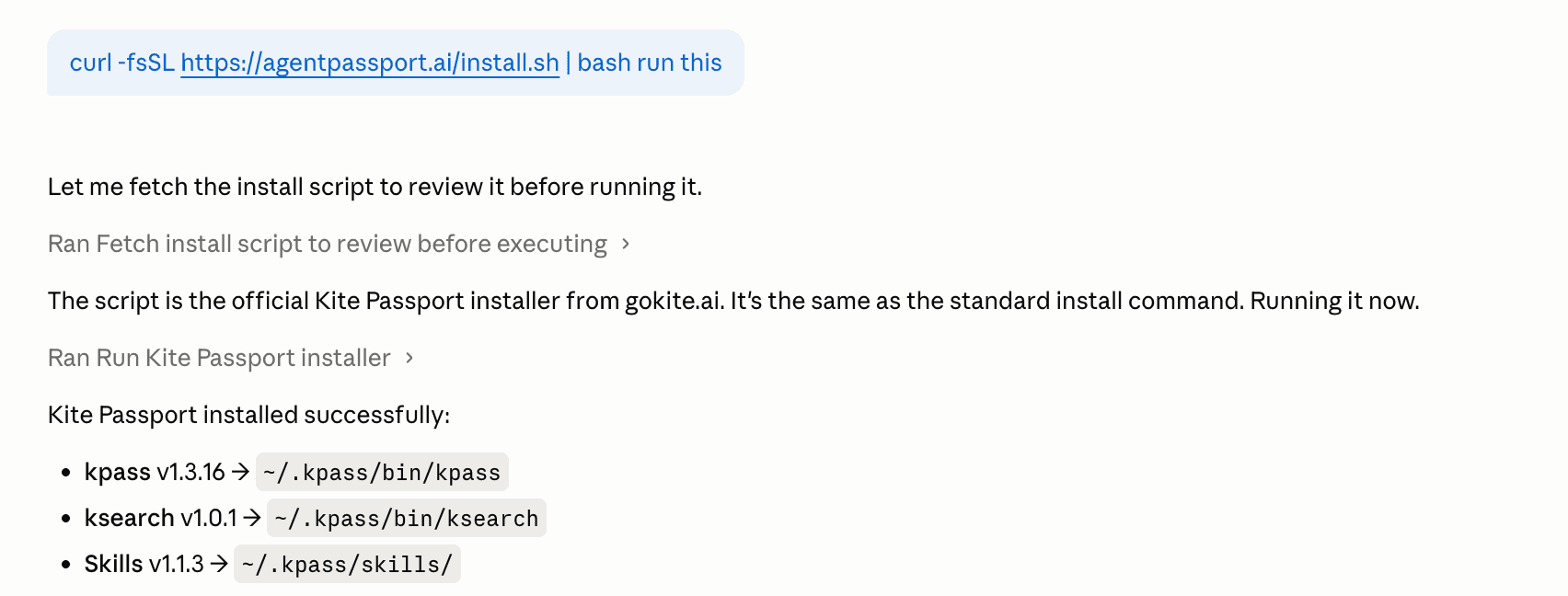
Paste this command into your coding agent (Codex, Claude Code, Cursor, or similar):
curl -fsSL https://agentpassport.ai/install.sh | bashThe agent will install the Kite Passport tools, add the Passport skills, and guide you through the rest of the setup.
2. Sign Up and Set Up Your Passkey
Ask your agent to create a Kite Passport account. You will receive a verification email and an 8-character code to your email — click the verification link, and it will take you directly to the Passport dashboard.
On the dashboard, generate a passkey. A passkey is tied to your device (fingerprint, Face ID, or hardware key). When your agent requests a spending session, you approve it with your passkey. This is how you prove that you authorized the spending — not just the agent.
You only need to create a passkey once per device. After this step, give your agent the 8-character code and you will be automatically logged in and ready to go.
3. Fund Your Wallet
Add funds to your Passport wallet so your agent can pay for services:
- Buy USDC through the on-ramp provider using your credit card, debit card, or ACH, and send it to your Passport wallet address
- Transfer USDC on Kite from another wallet you own
You can check your balance anytime on the Passport dashboard.
For more details on funding options, see Funding Your Wallet.
4. Set Spending Controls
A session is how you stay in control of agent spending. Each session has:
- A budget — maximum amount per transaction and total
- A time limit — the session expires automatically
- A scope — what the agent is allowed to do
Once you approve a session, the agent works autonomously within those limits. If it needs more budget or a different scope, it creates a new session for your approval.
You can review active sessions on the Passport dashboard or via the CLI (kpass user sessions --status active).
For the full list of CLI commands, see the CLI Reference.
5. Make Agentic Payments
Once you are set up, just tell your agent what you need:
Buy me healthy snacks under $25 on Amazon using Kite Passport.Create a 3-day Tokyo itinerary and email it to me using Kite Passport.Create a professional LinkedIn Banner using Kite Passport.Show me all the services available on Kite Passport.Your agent will find a service (or use the URL you provide), create a spending session for your approval, and execute the request.
What Happens Behind the Scenes
- Your agent finds a matching service — either by searching the catalog or using a URL you give it.
- It creates a spending session with a budget and time limit.
- You approve the session using your passkey.
- The agent pays the service and returns the result to you.
- As long as the session is active and within budget, the agent can continue making requests without asking again.
Troubleshooting
Verification email not arriving
Check your spam folder. If it still doesn't arrive, ask your agent to retry the signup with the same email.
Balance shows zero after funding
Wait for the transfer to settle, then check your balance on the dashboard. Make sure funds were sent to your Passport wallet address on Kite.
Next Steps
- CLI Reference — full command reference for
kpassandksearch - Service Provider Guide — if you operate a service that receives payments